
Describe the event
Add a title, rules, languages and choose the event colour.
Create a QR orienteering game where participants move, discover places and complete your challenges. Everything from the first idea to the results is in one place.
The setup guide shows you the next step. No technical knowledge or special software is required.
Add a title, rules, languages and choose the event colour.
Choose one period or split the game into individual days and times.
Add questions and challenges, then place checkpoints on the map.
Customise QR pages, download one PDF and invite participants to play.
Tools follow the event creation journey, so you always know what is ready and what comes next.
Basics, times, game flow and a final review — every step in its place.
Participants will see this information.
Event nameChoose one period or add separate days.
Event date and timeSimply choose the game type that suits you.
All important information in one clear overview.
Adjust the background, QR size and text positions, then download one combined PDF for printing.
Follow results, view statistics by day and receive event feedback.
Learning trails, team building and active challenges outside the classroom.
Orienteering for schools →Introduce places, stories and sights through an interactive experience.
Games for cities →Create a team challenge for a company event or team-building day.
For team building →Engage visitors at a city festival, celebration or community event.
About QR game creation →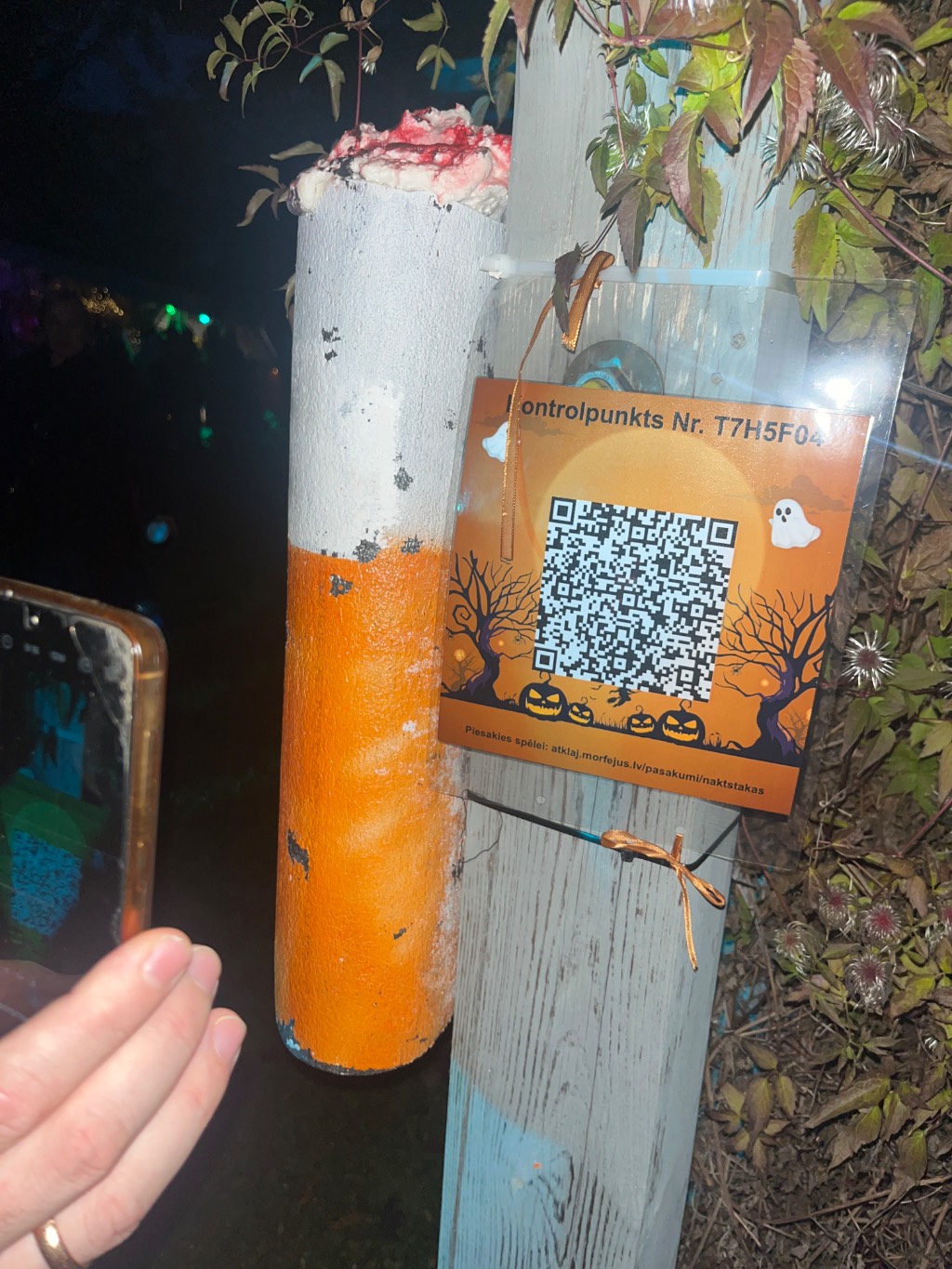
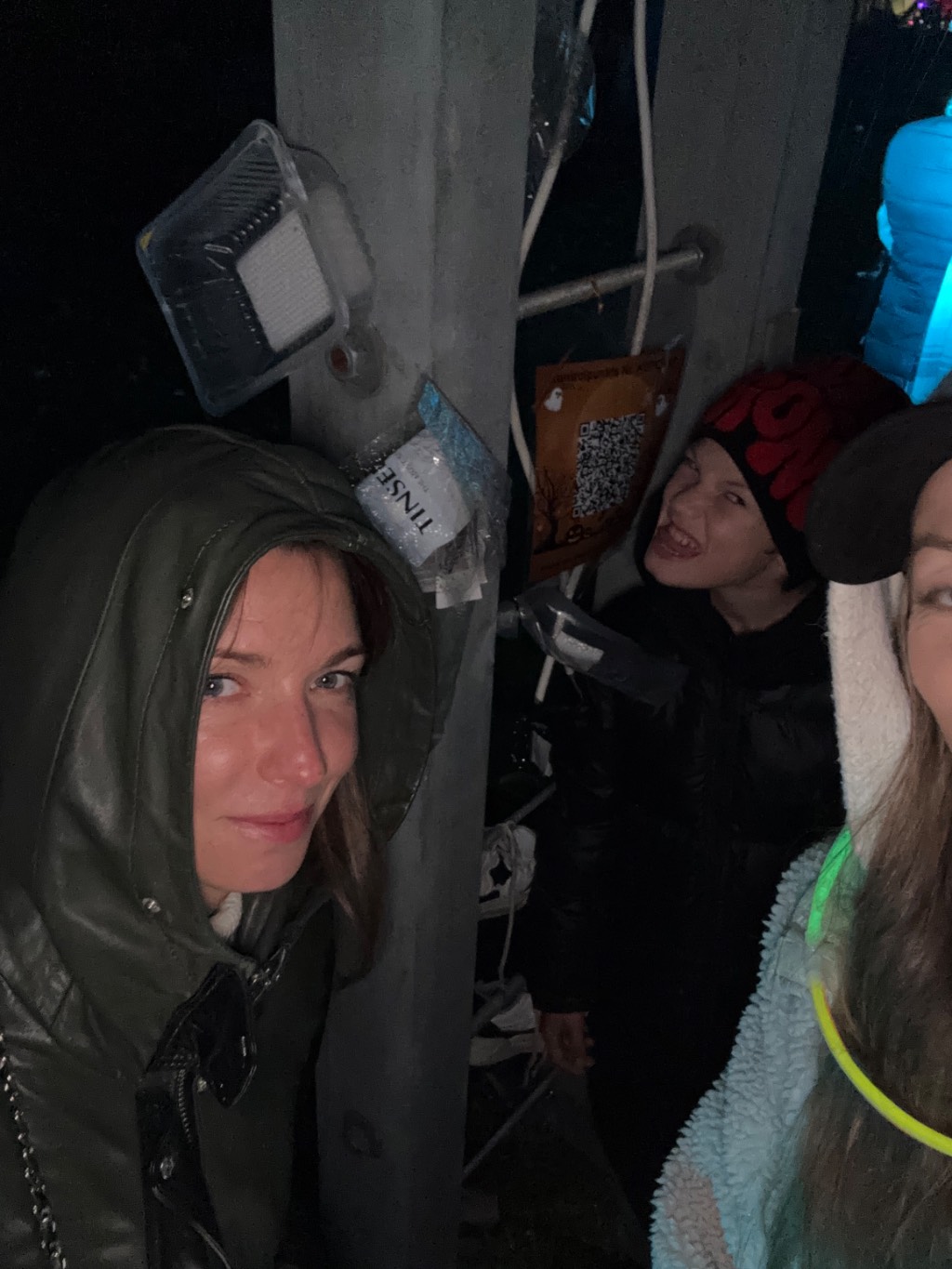
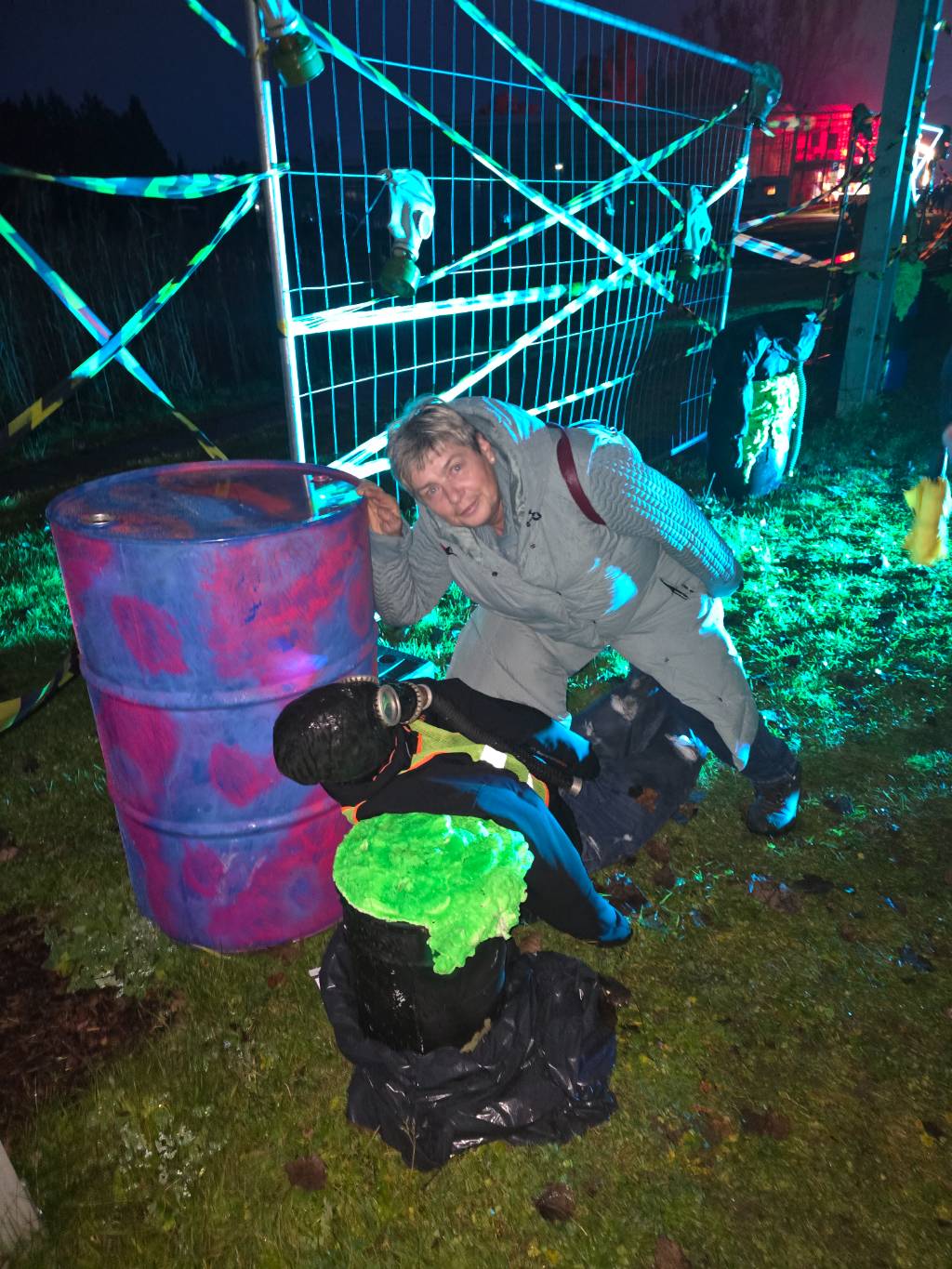
The phone is only the key to the next challenge. The real experience happens outside — with friends, classmates, colleagues or family.
No. The game opens in the phone browser using a link or by scanning a QR code.
Yes. The setup guide takes you through every step, and you can adjust the settings later.
Yes. You can set one continuous period or add separate start and end times for each day.
Yes. You can add several languages and prepare or automatically translate the participant-facing content.
Contact project manager Ernests Smaliķis at ernests.smalikis@morfejus.lv or call +371 29 993 623.
There is no charge for creating an organizer account or setting up events. The platform is free.
Your free profile is activated for 12 months.